The core loop
Prep board
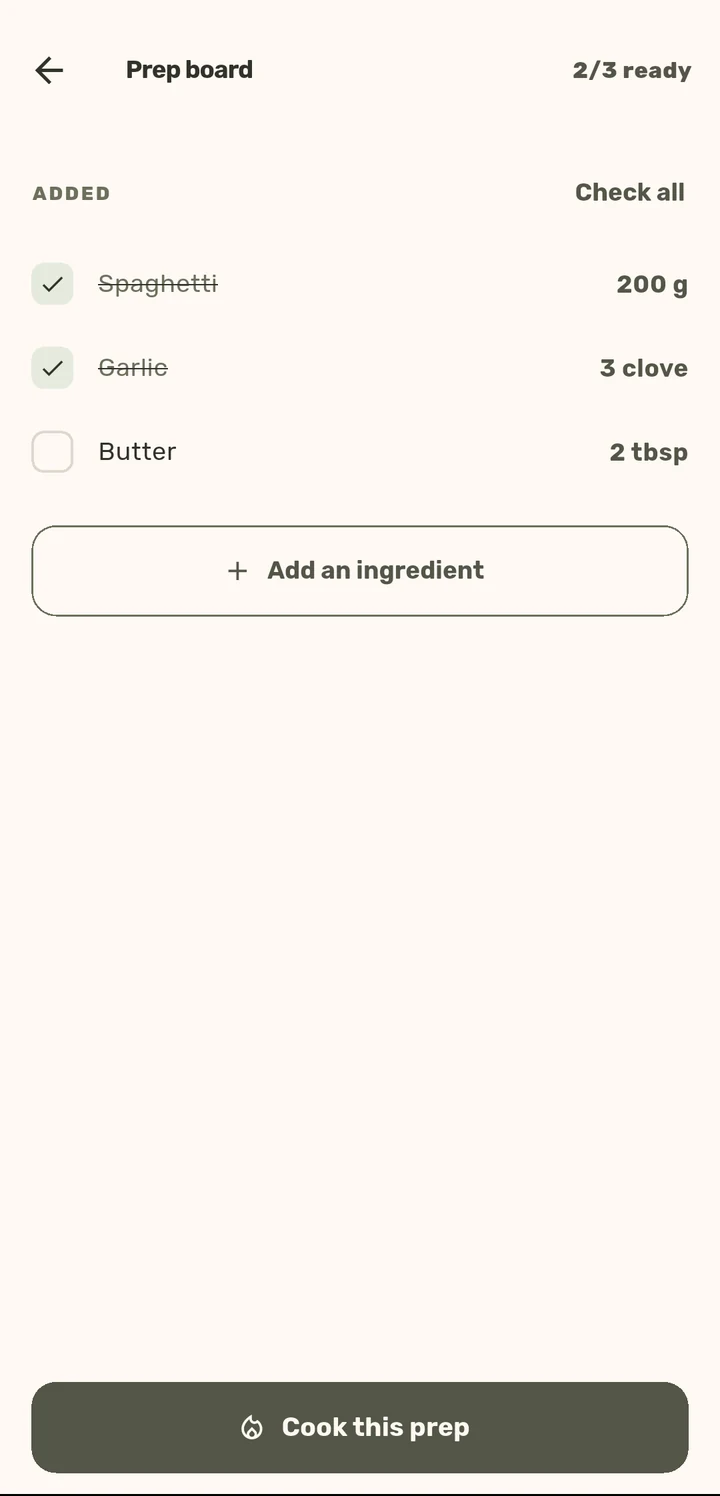
Get everything measured and ready before the heat goes on: mise en place, built in.
How it works
1
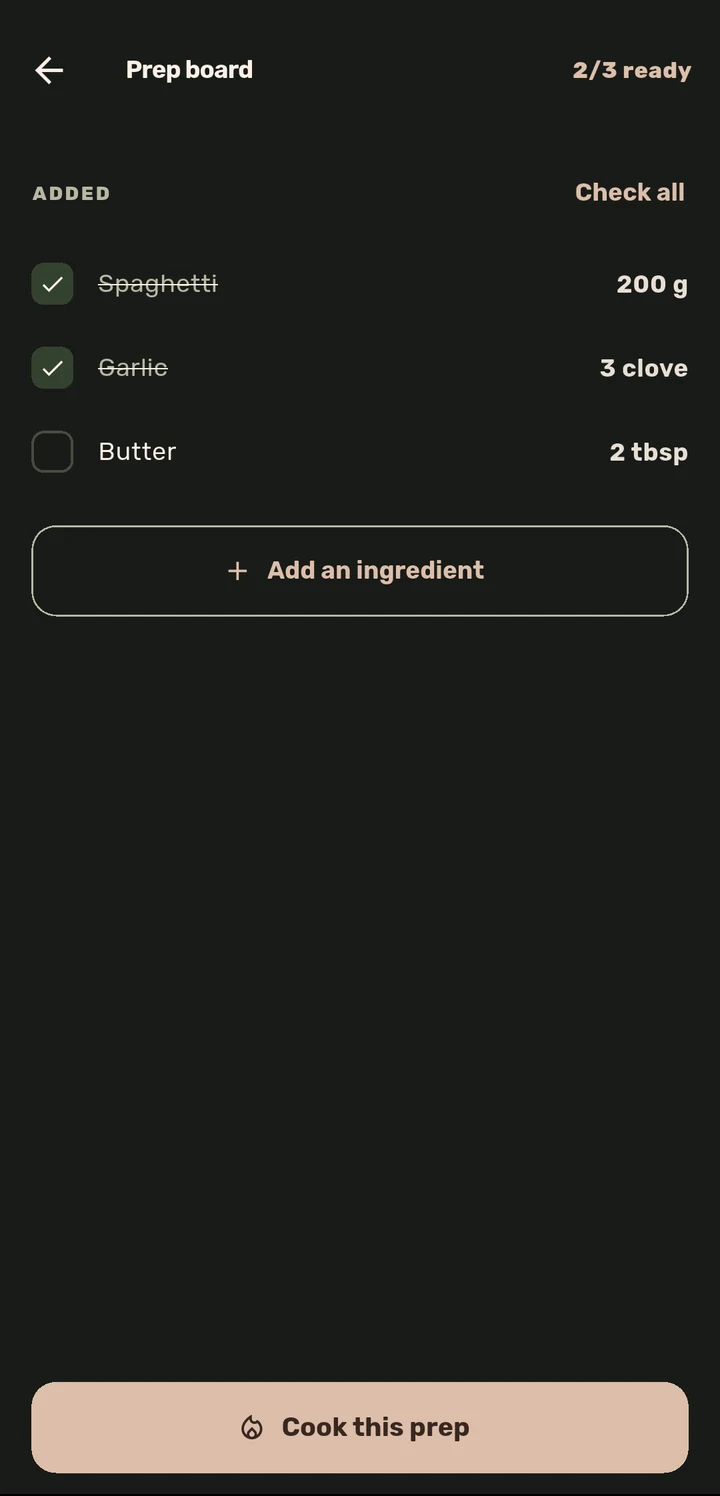
Open a recipe and its Prep Board lists every ingredient as a checkable item, already scaled to your servings.
2
Check items off as you get them ready, or tap Check all if you are already set up.
3
Add anything the recipe missed with Add an ingredient.
4
Tap Cook this prep once everything is ready. The button tracks progress ("7/7 ready") the whole way.
Why it matters
Professional kitchens call this mise en place for a reason: cooking goes wrong when you are still chopping an onion the recipe needed five minutes ago. The Prep Board turns "read the recipe first" into an actual checklist, so Cook Mode starts only once you are really ready.
Related features