The core loop
Multi-timer queue
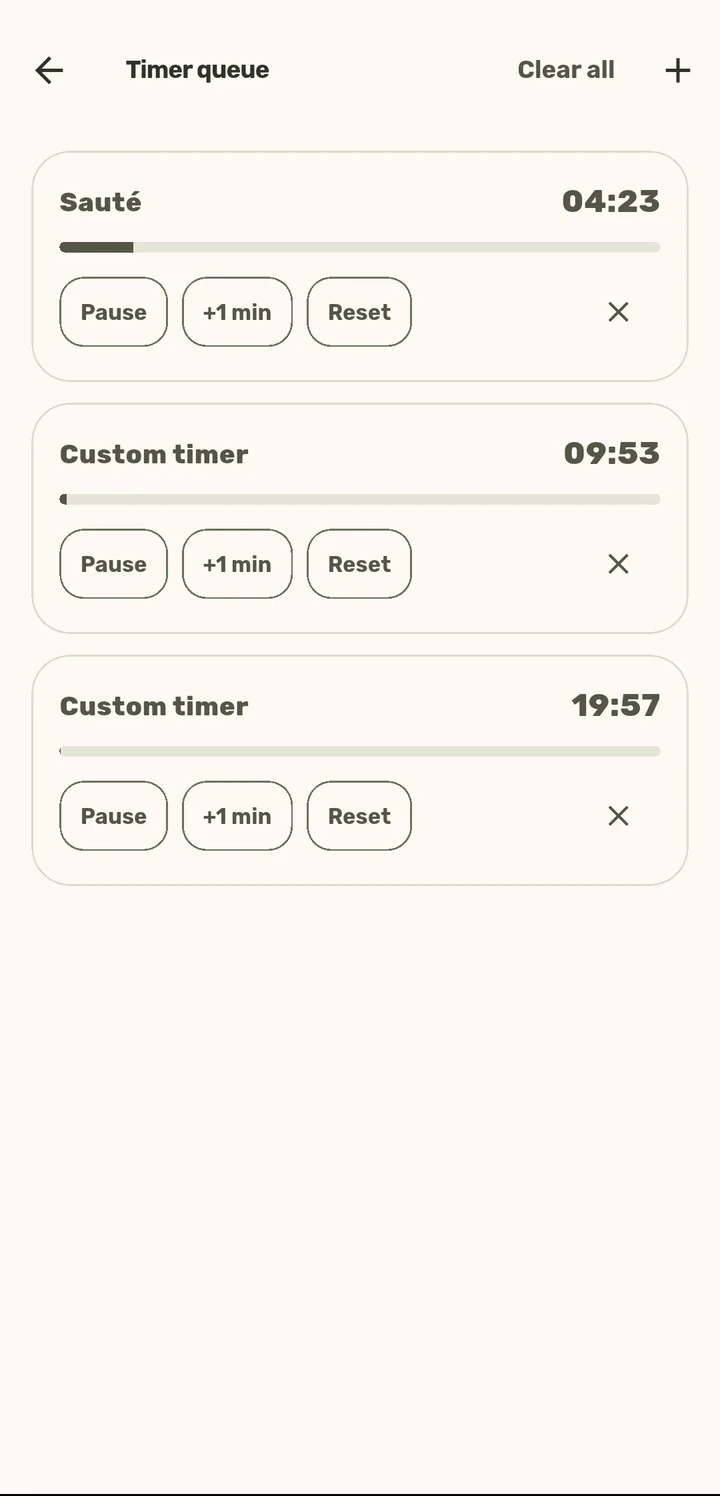
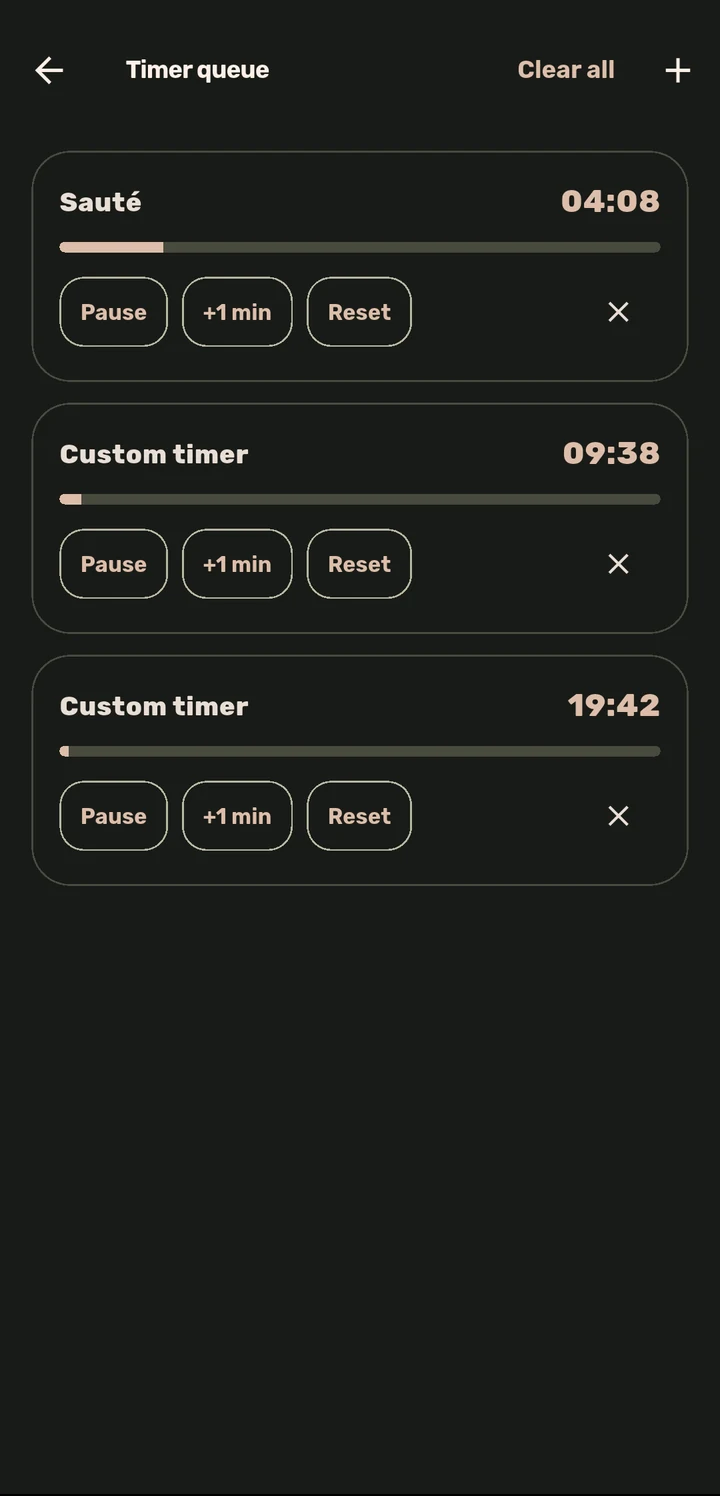
Several named timers running at once, because real cooking rarely has just one thing on the stove.
How it works
Any step with a duration ships with Start timer built in.
Start a step’s timer, then move to the next step or a different recipe. The timer keeps counting as a live badge on Cook Mode’s top bar.
Pause, +1 min, or Reset any running timer independently.
Timers fire a real device notification and keep the screen awake, so you will know even if you have walked away or the phone is locked.
Why it matters
A pasta timer, an oven timer, and a "rest the meat" timer are three different clocks in real cooking. Most apps give you one. ChopCue’s timers are per-step, independent, and survive the app going to the background. They are built for a kitchen with more than one thing happening, which is every real kitchen.
Related features