The core loop
Guided Cook Mode
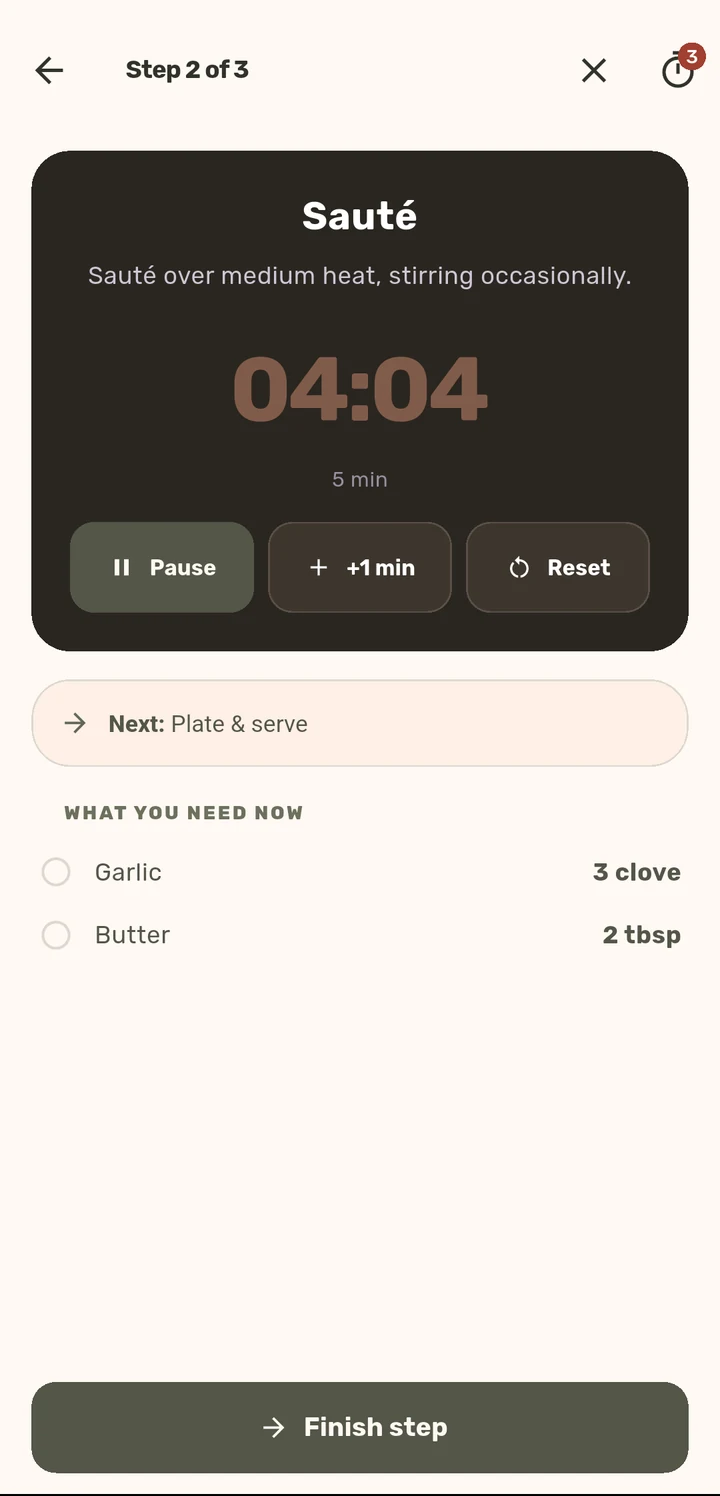
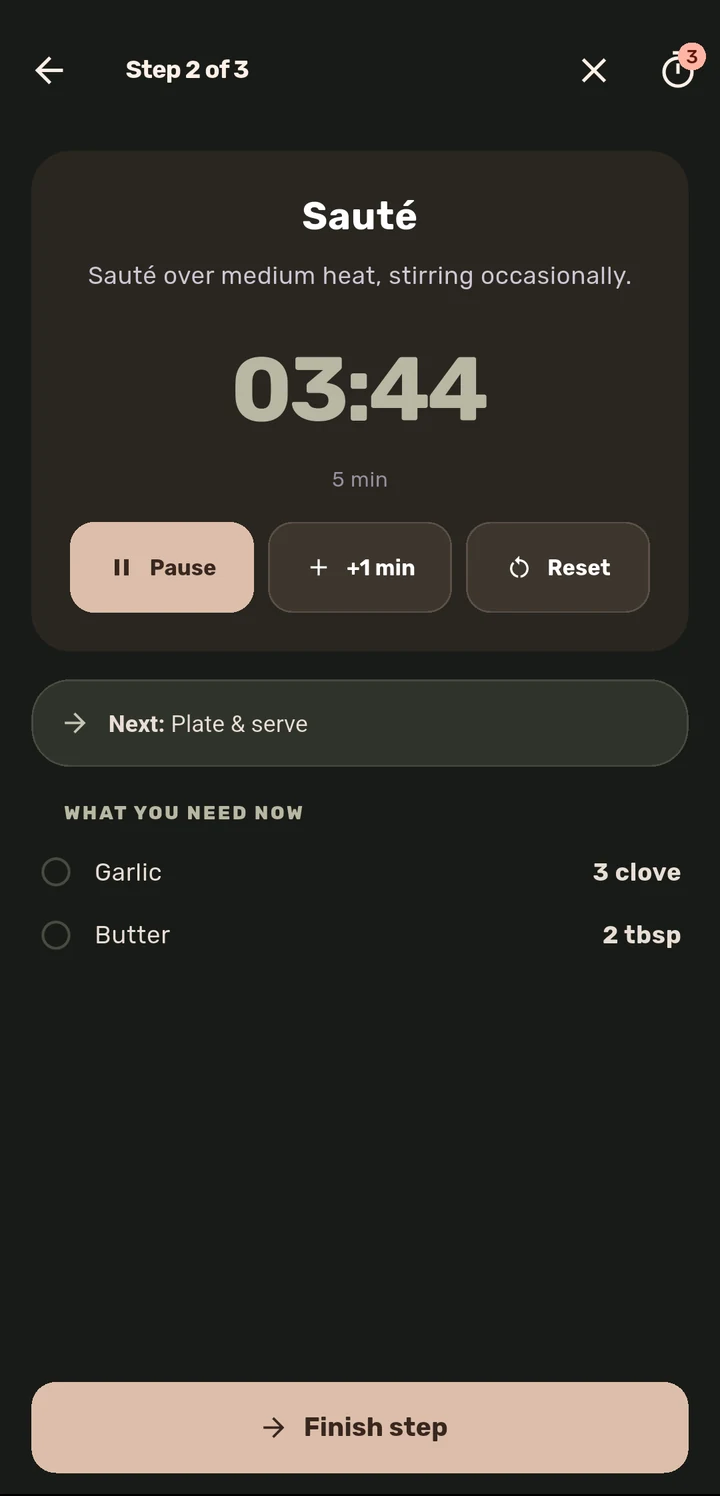
One step per screen, with a large, glanceable timer, never a wall of text.
How it works
Open any recipe and tap Cook directly, or finish the Prep Board first, then Cook this prep.
Each screen shows exactly one step: the instruction, an on-demand Translate link, and the ingredients that step uses (when the recipe says which).
A Next: preview shows what is coming, so you are never caught off guard mid-step.
Tap Finish step to advance; the last step ends with a "Nicely cooked!" confirmation and logs the recipe to Recently Cooked.
Why it matters
Most recipe apps hand you the whole recipe at once and expect you to keep your place with wet hands and a phone propped against a spice jar. Cook Mode is built backwards from that moment: one instruction at a time, large enough to read from across the counter, with the next step already queued so you are never scrolling mid-stir.
Related features