The core loop
One-tap ingredient picker
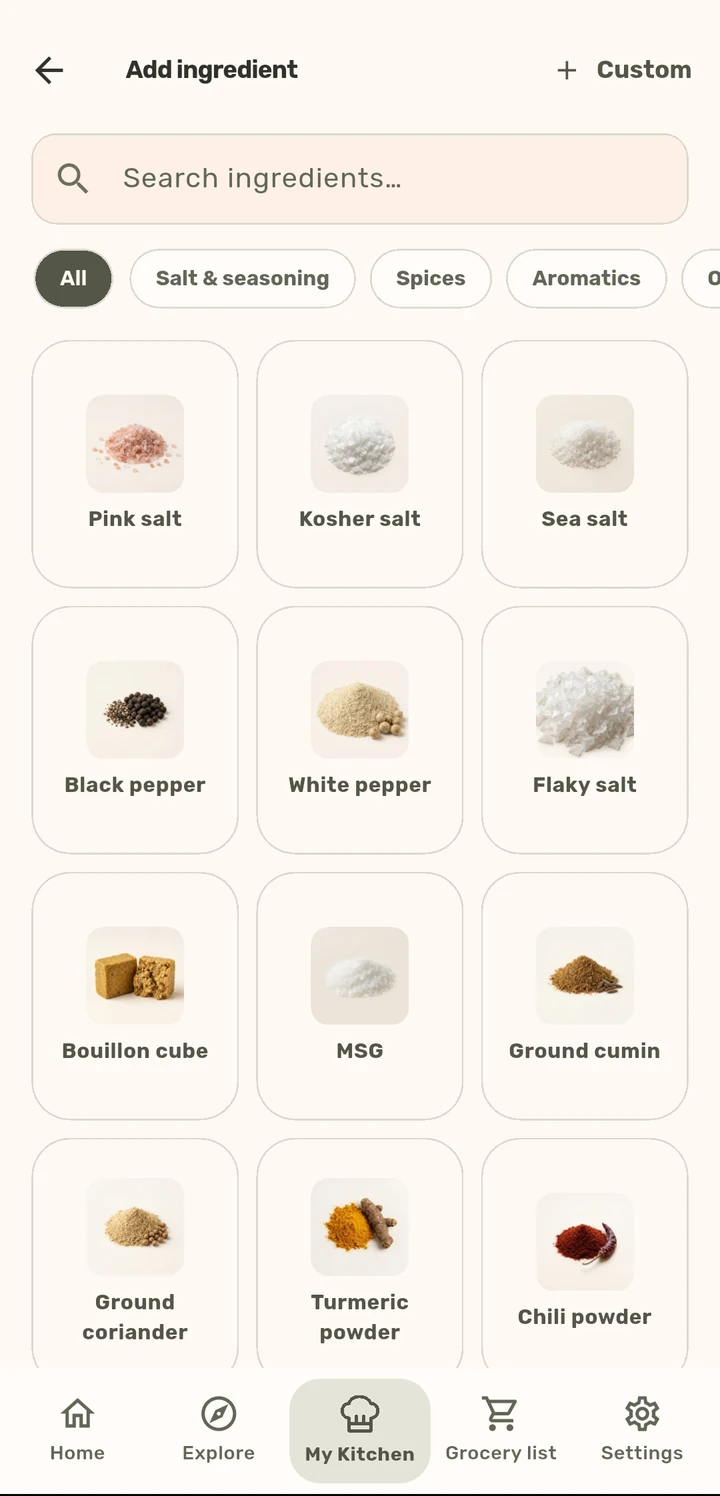
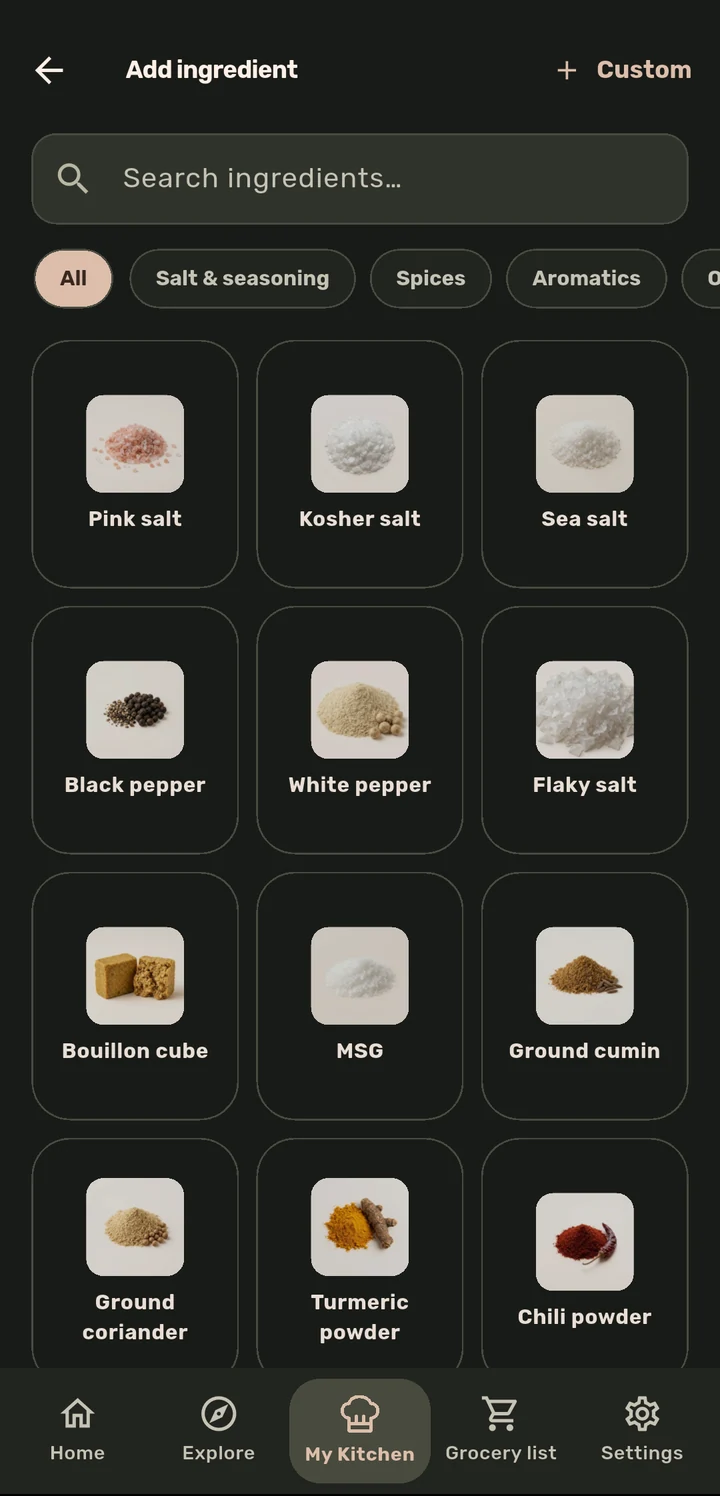
A 220+ ingredient catalogue with fractions, units, and swap suggestions. Searching for "salt" should not mean typing it from scratch.
How it works
When writing a recipe, tap Add ingredient to open the picker: search by name or browse by category (Salt & seasoning, Spices, Aromatics, and more).
Tap an ingredient to set its amount, using quick chips (pinch, ¼, ½, 1, 2, 3) or a custom value, and its unit.
Common ingredients suggest alternatives (e.g. pink salt → kosher salt, sea salt) right in the same sheet.
Anything not in the catalogue can be added as a one-off Custom ingredient.
Why it matters
Every amount in a ChopCue recipe is structured data, not free text, which is what makes automatic serving-size rescaling and grocery-list quantities possible everywhere else in the app. The picker is the reason that works without you ever thinking about it.
Related features