Getting recipes in
Recipe editor
Write your own recipe from scratch, with photo, steps, timers, the works, and never lose a half-finished draft.
How it works
From New recipe, choose Write from scratch.
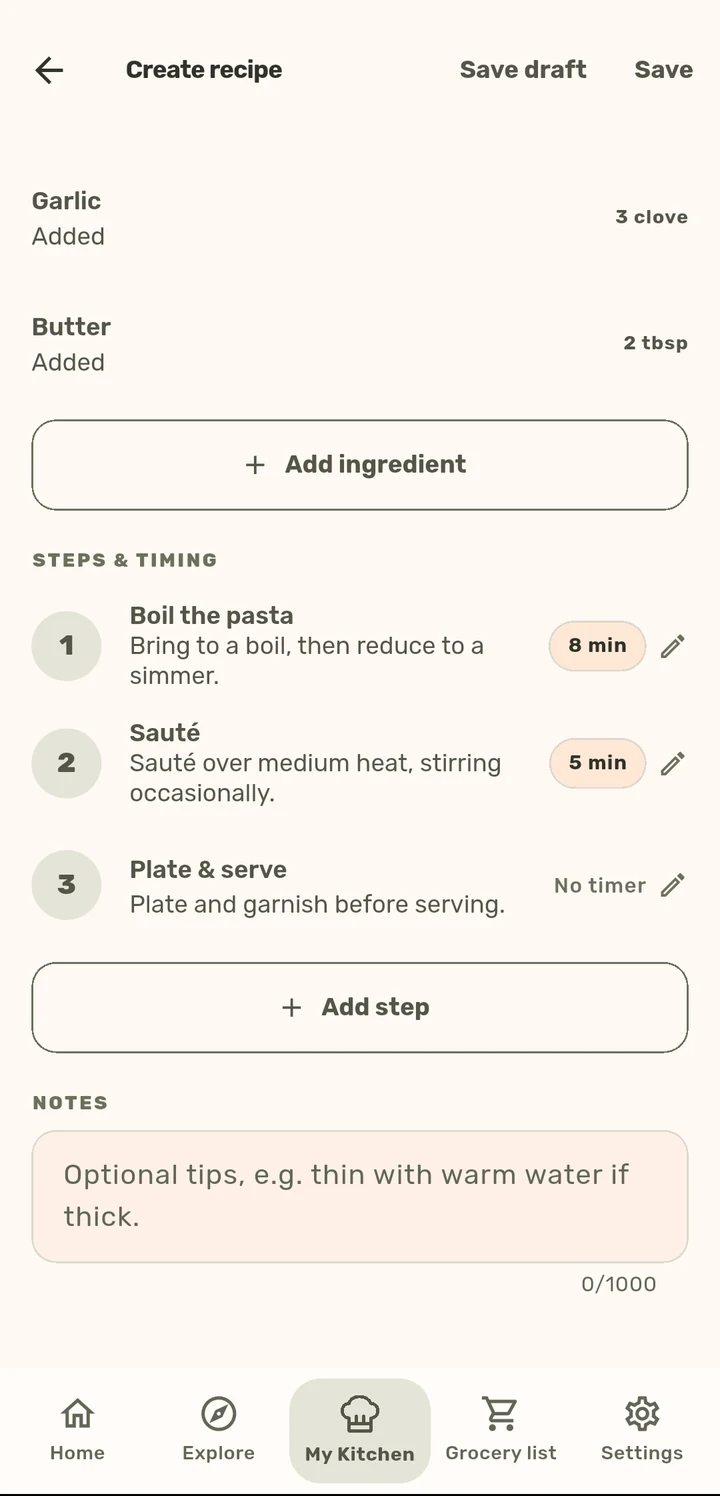
Add a cover photo and a gallery of extra shots, name and describe the dish, set prep/cook time and servings.
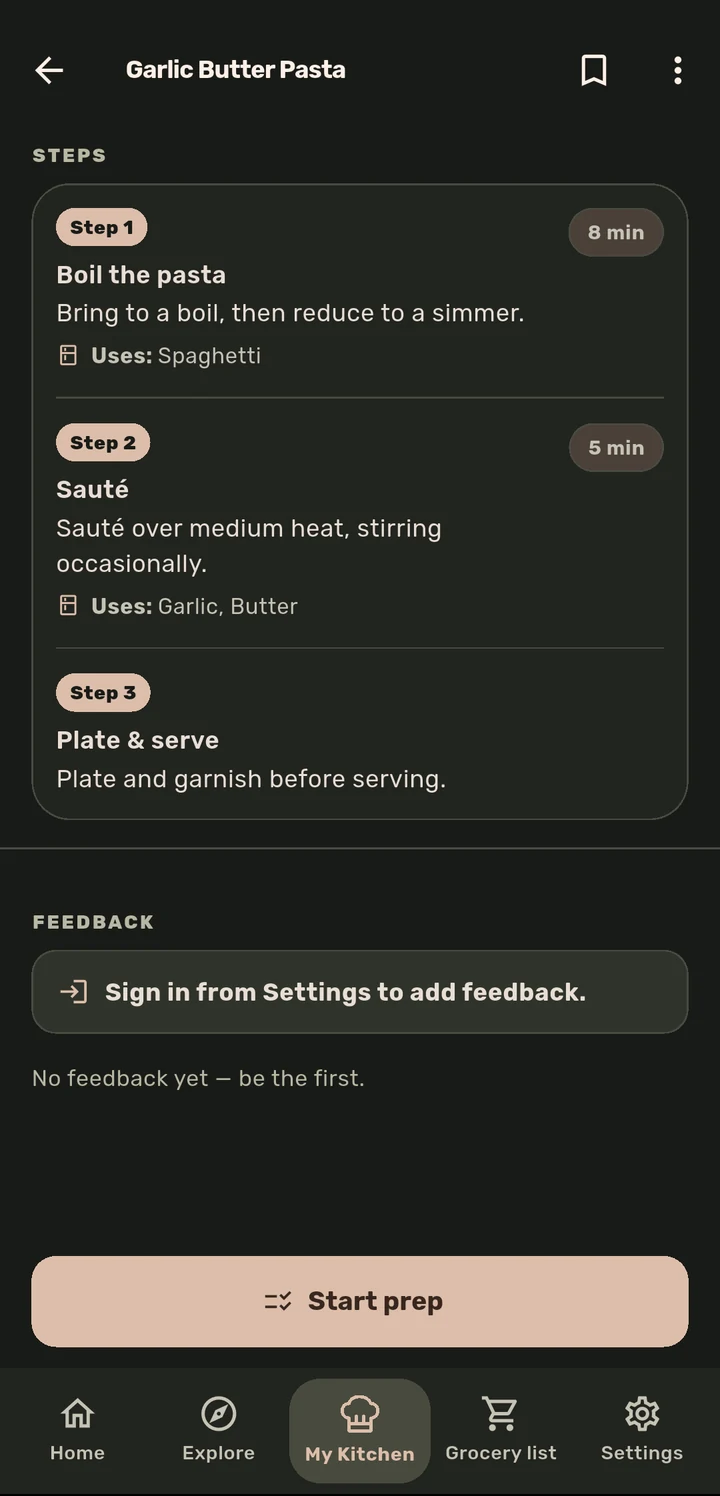
Add ingredients via the picker and steps, then pick a step template (Prep ingredients, Preheat oven, Sauté/cook, Boil/simmer, Rest, Season, Plate & serve) or start from blank, each with an optional timer. Tick which ingredients each step uses, and Cook Mode shows only those.
Save draft at any point, so unfinished recipes are never lost, or Save to finish.
Why it matters
ChopCue starts empty by design, so the editor has to carry real weight: it is not a bonus feature, it is how most people’s libraries actually fill up. Photo, ingredients, steps, and timers are all first-class, and drafts mean writing a recipe does not have to happen in one sitting.
Related features