Getting recipes in
Import from any URL
Paste a link, or share a page straight from your browser. The recipe lands pre-filled and still editable.
How it works
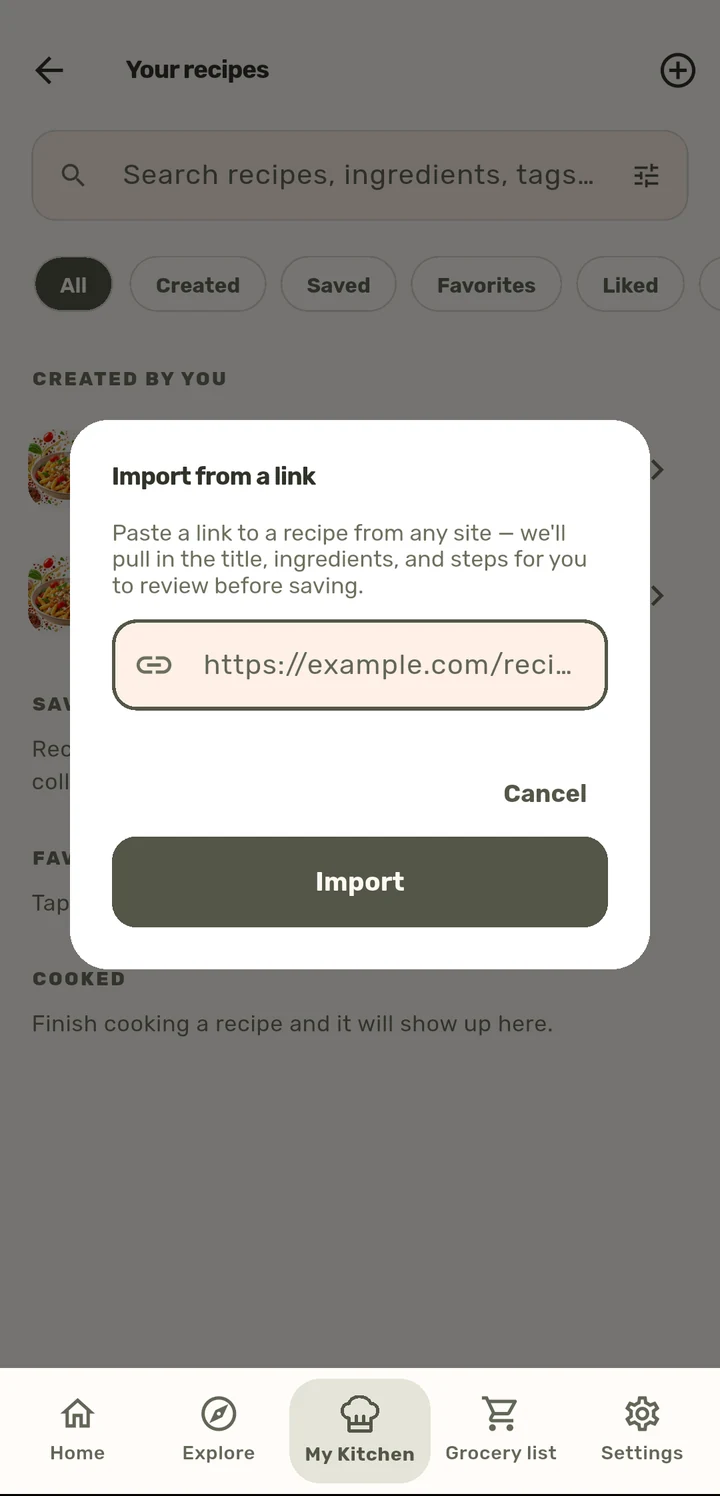
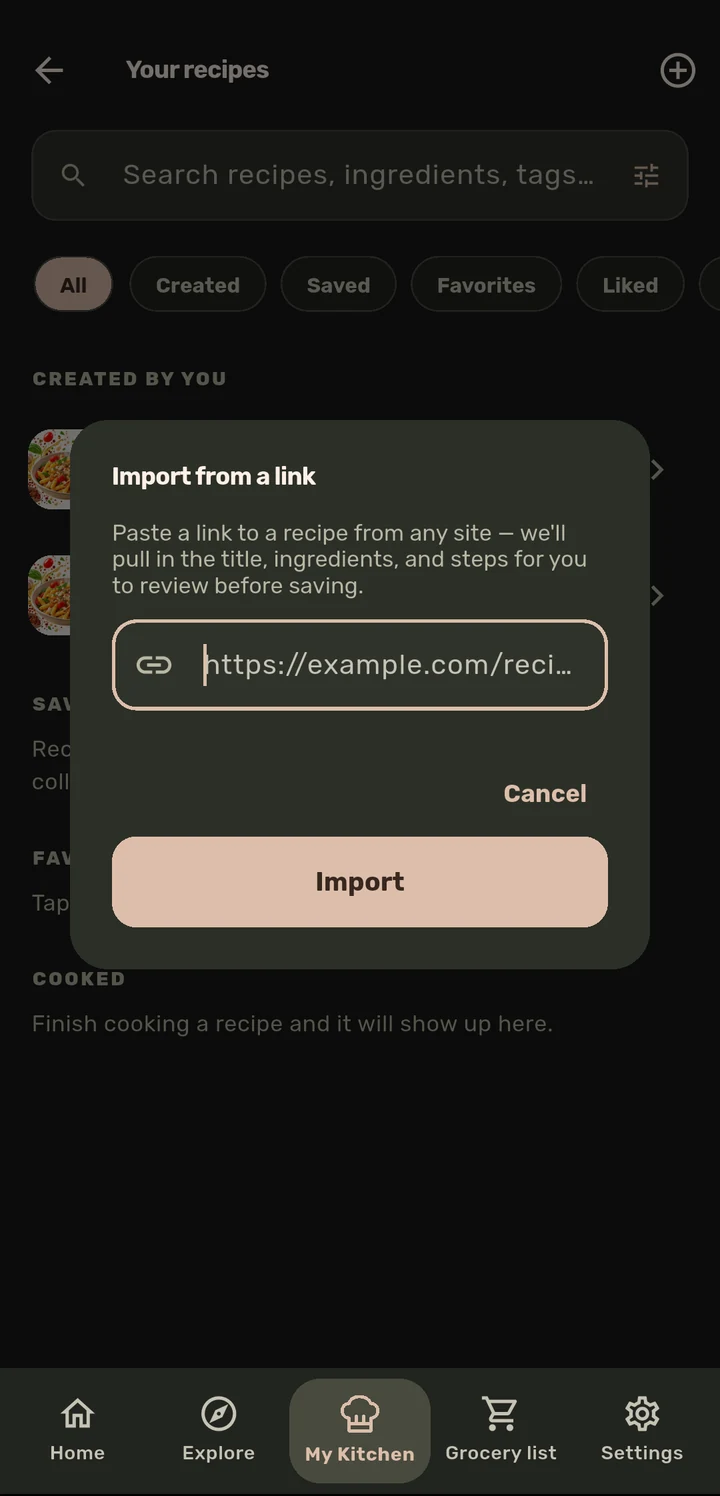
From New recipe, choose Import from a link and paste a recipe URL, or share a recipe page directly from Chrome’s share sheet into ChopCue.
ChopCue reads the page’s Schema.org recipe markup, the same structured data almost every recipe site already publishes for Google, and fills in ingredients, steps, servings, and timing.
Step text is scanned for duration phrases ("simmer for 10 minutes") to auto-populate that step’s timer.
Review and edit anything before saving. It is a normal, fully editable recipe from that point on, not a locked import.
Why it matters
Nobody wants to retype a recipe from a food blog by hand. This turns "I found a recipe online" into a paste-and-go action, without asking the site owner for an API or scraping anything beyond the structured data they already publish for search engines.
Related features