Community & ownership
Recipe backup
Export everything as readable JSON, any time. Your recipes stay yours, on or off ChopCue.
How it works
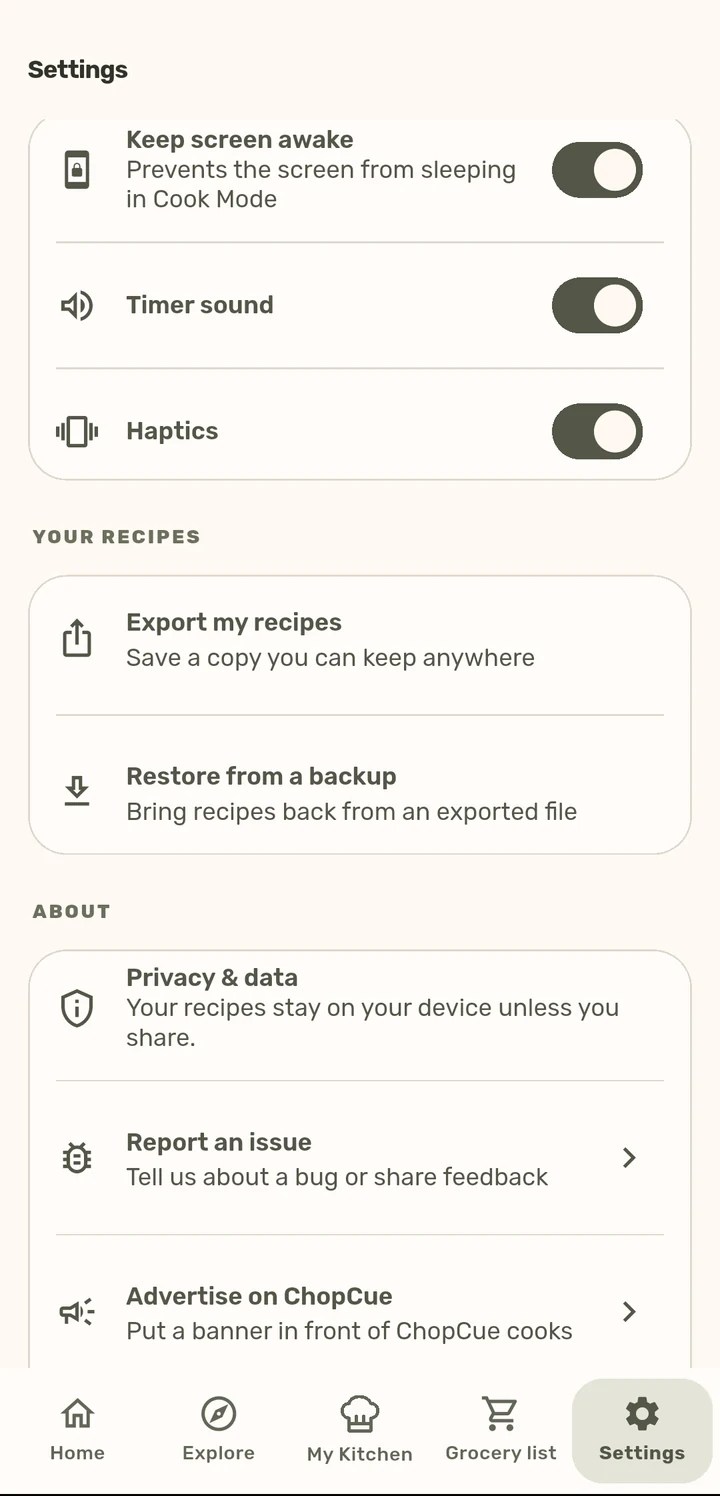
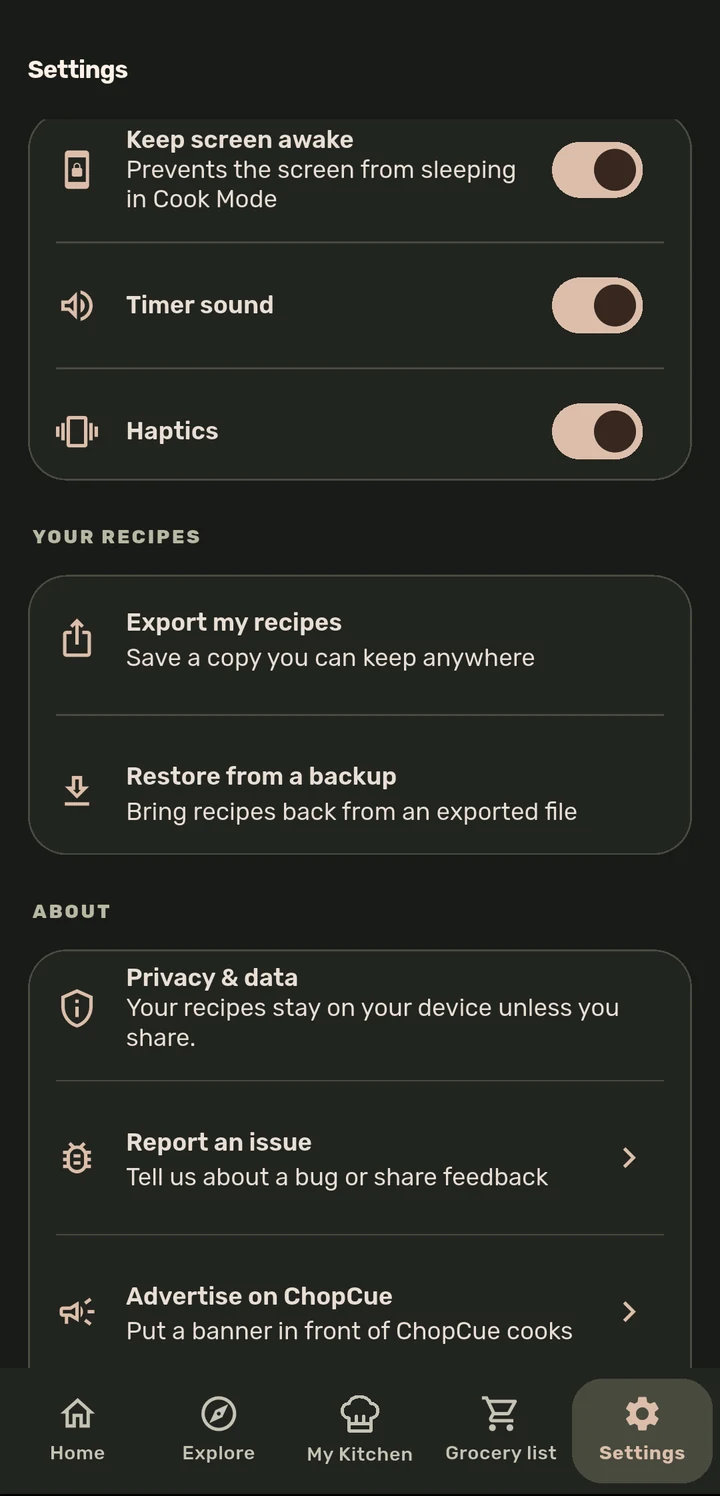
From Settings → Export my recipes, save a full backup of your recipe library as a JSON file you can keep anywhere.
Restore from a backup brings recipes back from a previously exported file, which is useful after a device switch or a fresh install.
If you are signed in, recipes also sync to your account automatically in the background, but this is always a mirror of the local copy, never the source of truth.
Why it matters
Local storage is deliberately the source of truth in ChopCue, so saving a recipe never depends on the network. Export/import and account sync are both built on top of that, not instead of it, so your recipes are never locked into one device, one account, or ChopCue’s own server.
Related features