Community & ownership
Explore
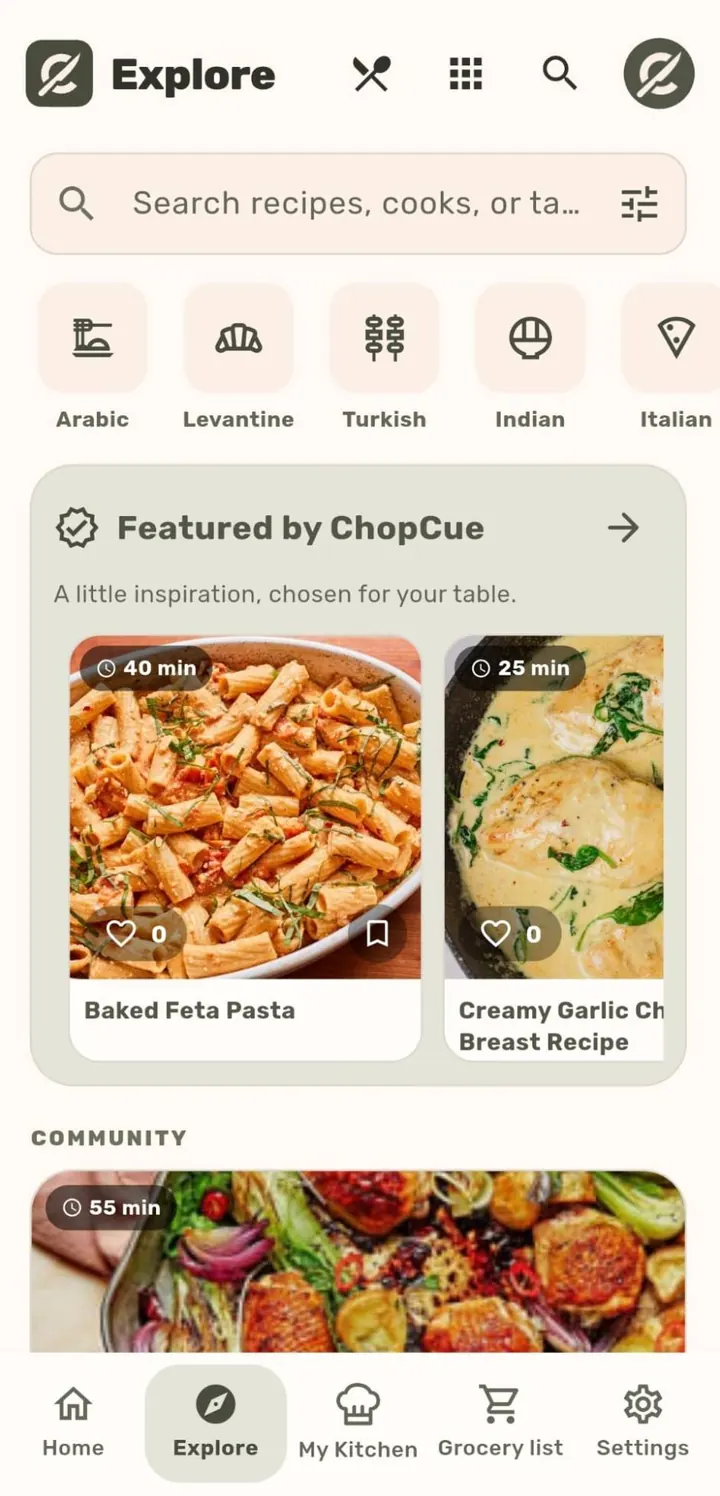
A public feed of recipes from other cooks, browsable by cuisine, drink, diet, or style.
How it works
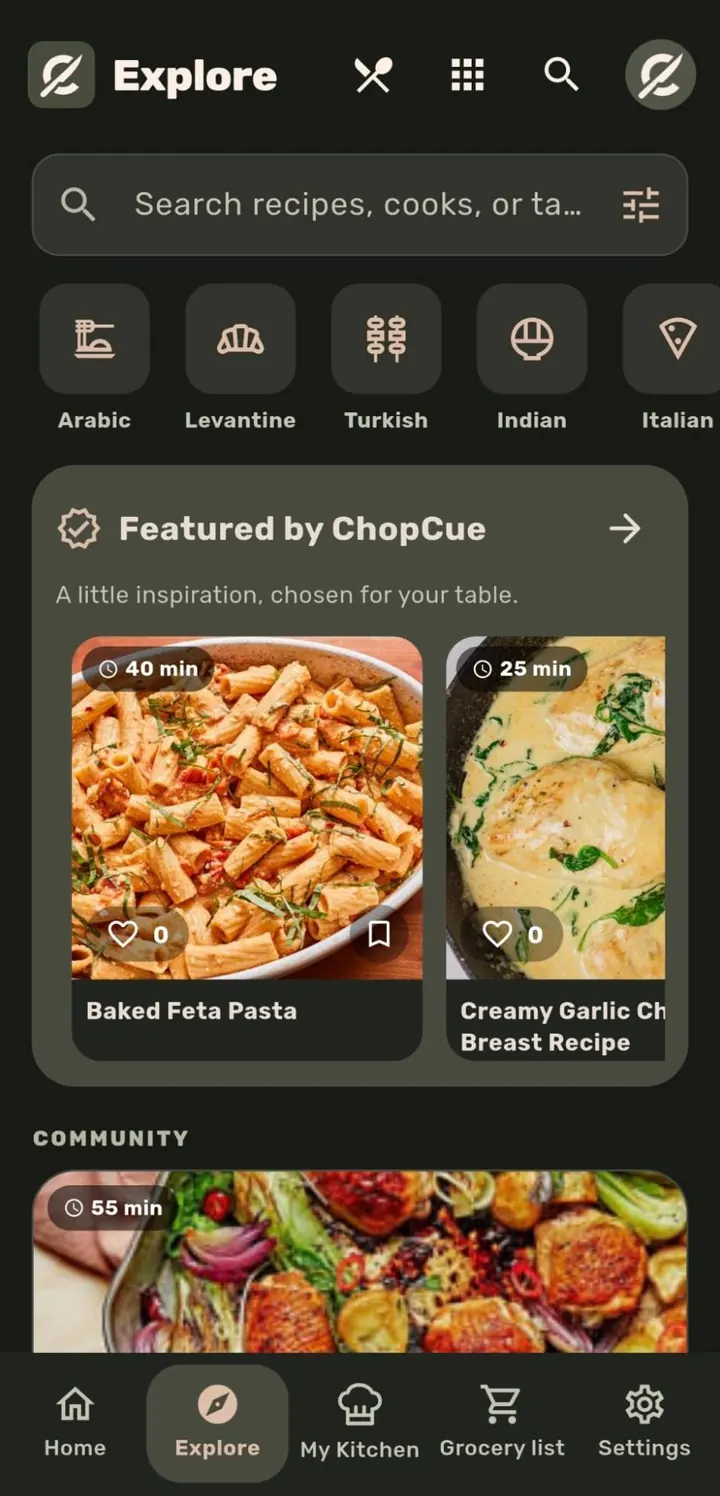
Open the Explore tab to browse a public feed. Search by name, cook, or tag, or tap a category tile (28 in all). A Featured by ChopCue collection sits above the community feed.
Tap any recipe to view its full detail, ingredients, steps and dietary tags, exactly as it appears in its author’s own kitchen.
Cook directly from Explore, or Save a copy into your own library to edit and keep.
Why it matters
Explore is entirely optional, since cooking never needs an account or a network connection, but for cooks who want it, it is a real feed of real recipes from other people, reviewed post-hoc by moderators rather than gatekept behind an approval queue before anyone sees them.
Related features