The kitchen around the cook
Meal planner
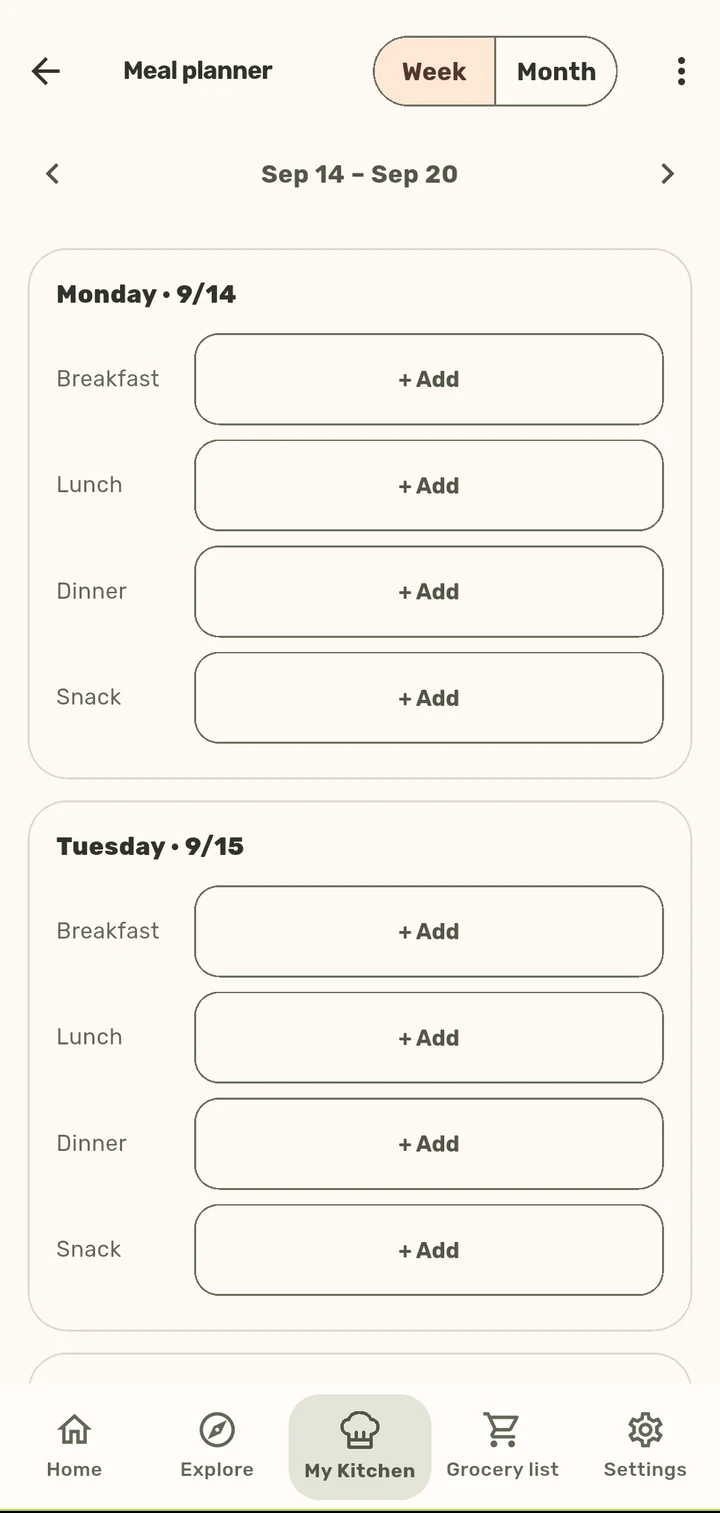
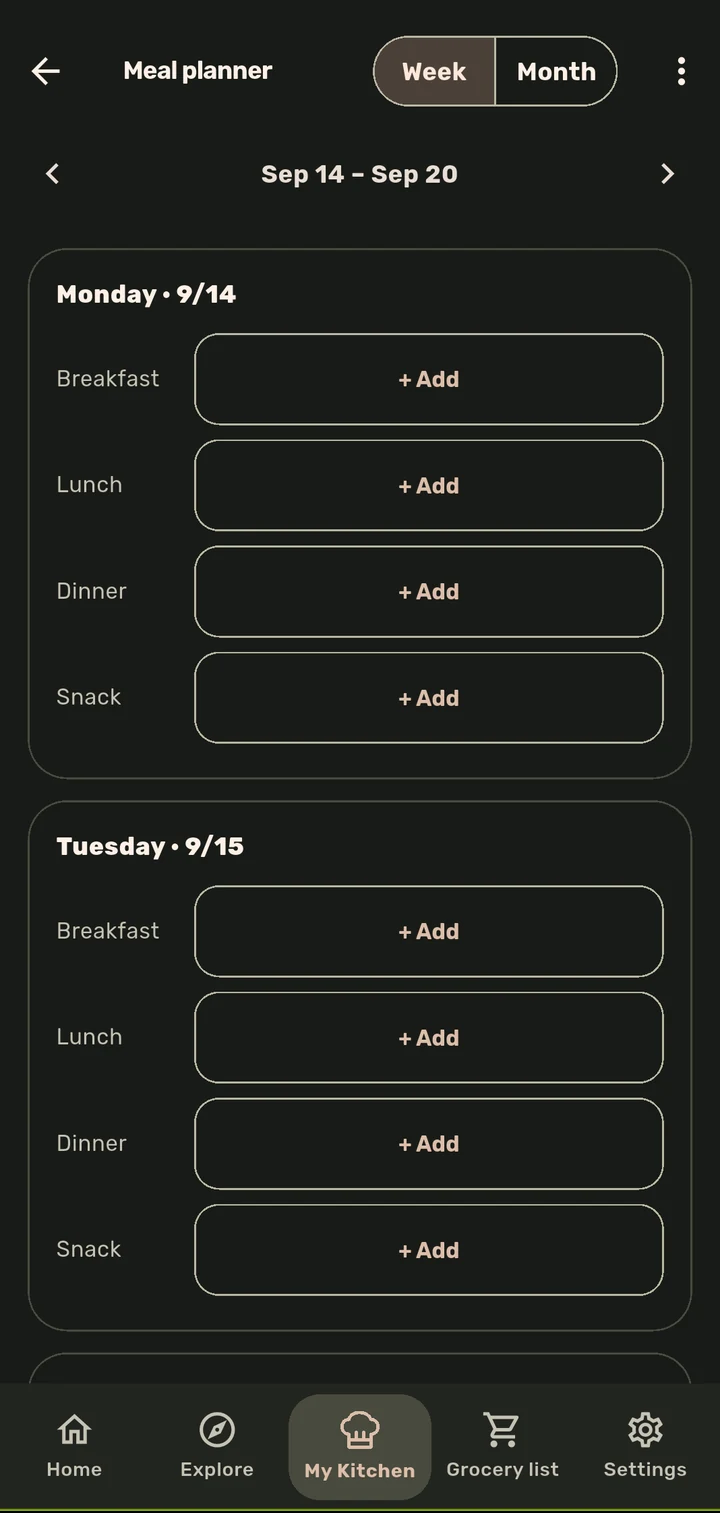
Week and month views, a recipe for every slot, and the slots are yours to rename.
How it works
1
Open the Meal planner and switch between Week and Month views.
2
Each day breaks into slots (Breakfast, Lunch, Dinner, Snack by default). Tap + Add on any slot to assign a recipe to it.
3
Rename slots to match how your day actually works, not a template’s assumption about it.
Why it matters
Most planners assume everyone eats on the same schedule. ChopCue’s slots are just labels you control, so the planner adapts to your week instead of the other way round, and every planned meal is one tap from its Cook Mode session or the grocery list.
Related features