The kitchen around the cook
Diet & Preferences
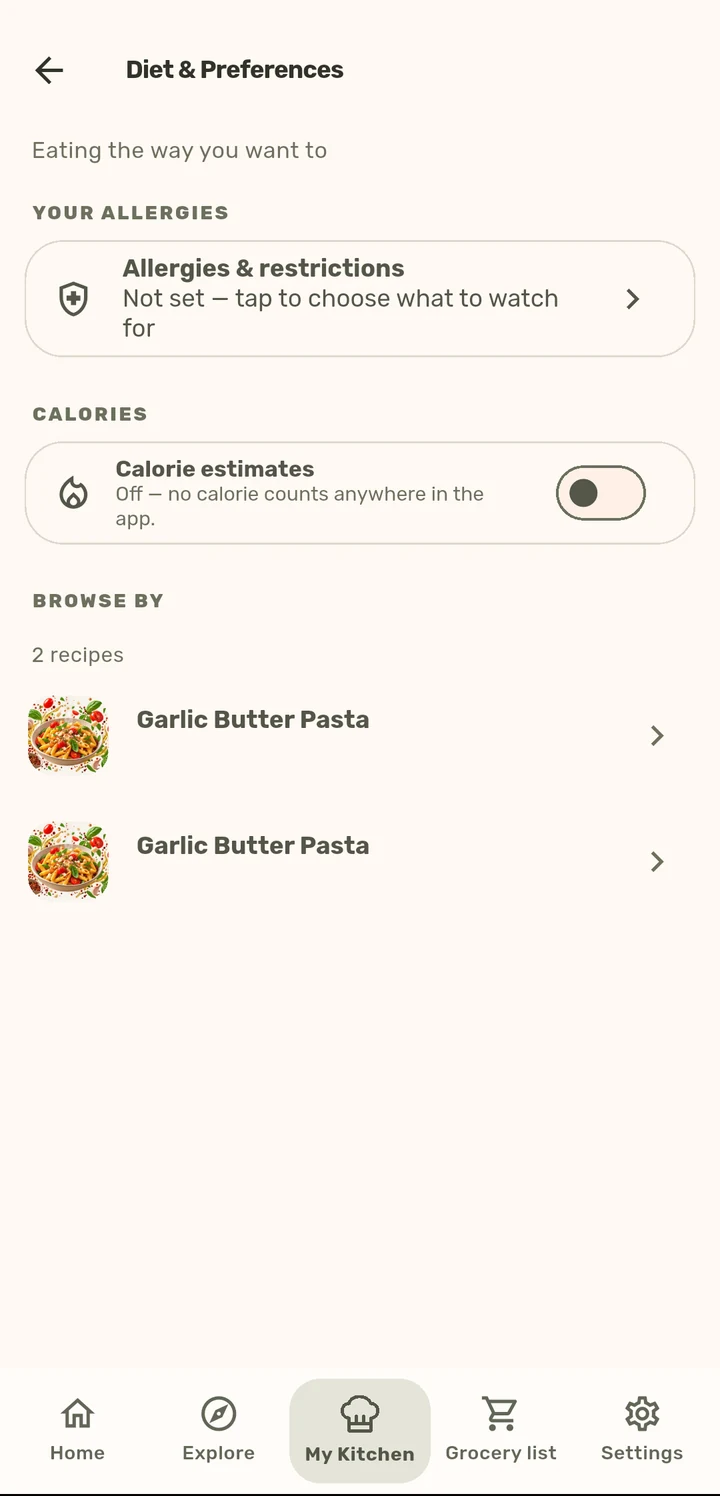
Allergy warnings across nine allergens, and calorie estimates that are always clearly labeled as estimates.
How it works
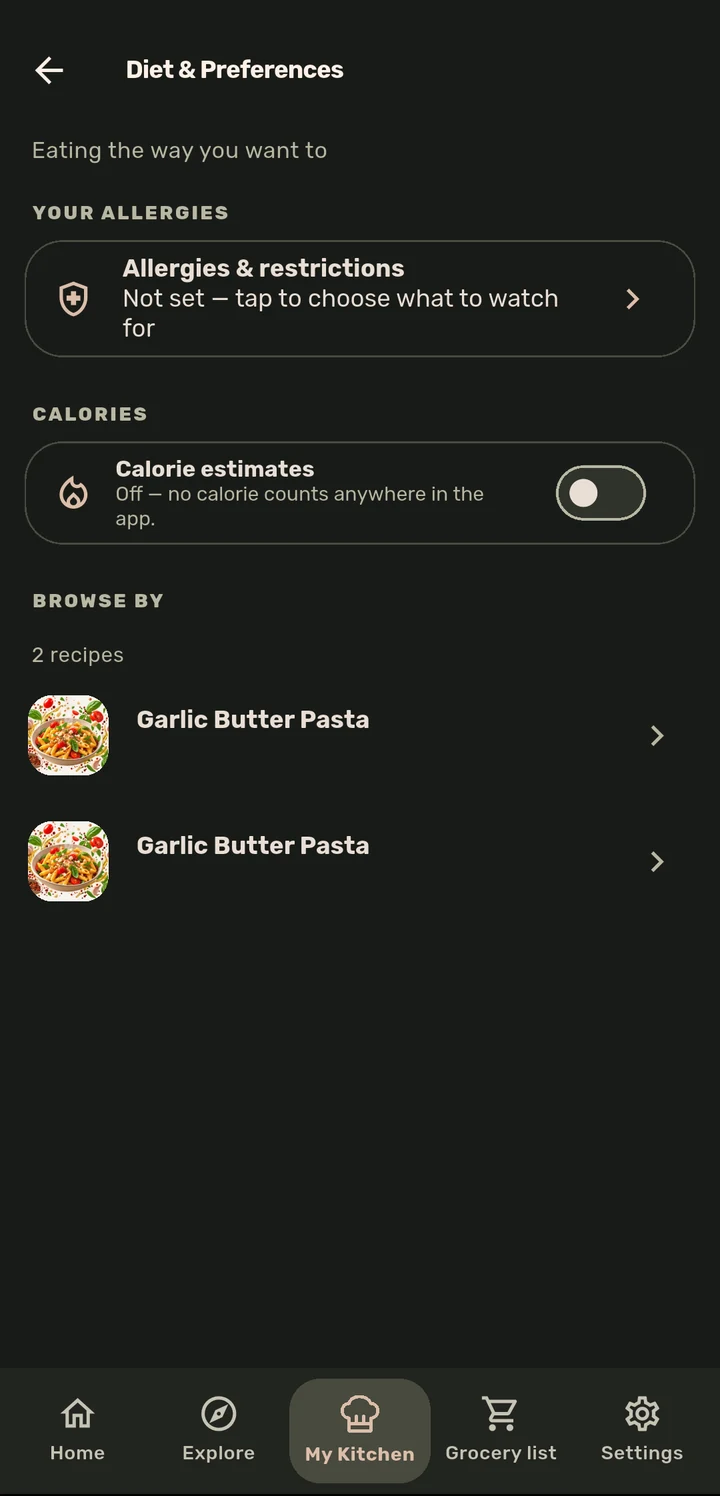
Open Diet & Preferences from My Kitchen and set your Allergies & restrictions once. ChopCue matches them against ingredient names on every recipe you view from then on.
Turn on Calorie estimates if you want them. It is off by default, and nothing shows a number anywhere in the app until you opt in.
Browse your own recipes filtered by dietary tag (vegetarian, gluten free, low carb, and more) right from this screen.
Why it matters
Allergy matching here is deliberately over-eager, because a false negative (a hidden ingredient that should have warned you) is the dangerous direction, so ChopCue would rather flag something borderline than stay quiet. Calorie numbers are estimates from a fixed ingredient table, not a lab measurement, and the app never pretends otherwise or shows a number you did not ask to see.
Related features